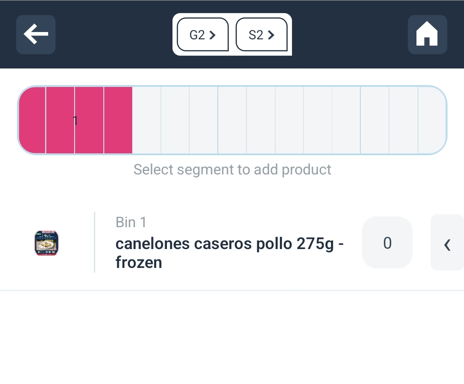
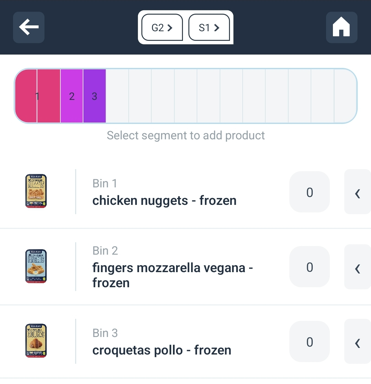
Adding products to all available segments
Planogram Management
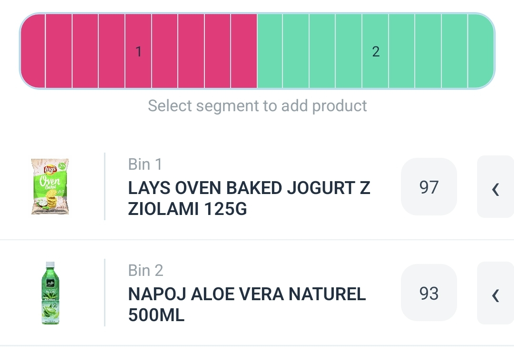
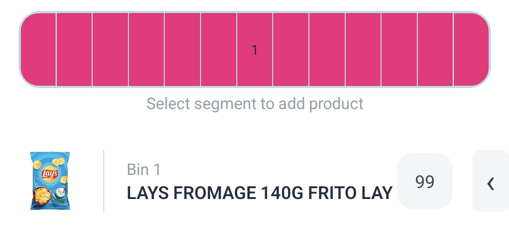
- Products on the shelf should be distributed in the Operations App in a way that they take up the full width of the shelf in the planogram (if there is only one product on the shelf – add it to all segments on that shelf).
- Leaving the empty space in the planogram (as in the example of the left side) will be recognized by our system as if there are no products present in the empty segments.
Correct vs Incorrect Segment Distribution
Correct placement
Incorrect Placement