Updating product images
Planogram Management
- Producers sometimes change the packaging design of the product, introducing new colors or fonts.
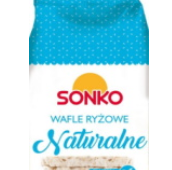
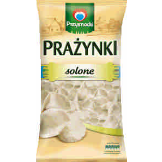
- Each change of the packaging should be followed by the update of the product photo in the Operations App, to avoid product differences, such as in the example below.
Updated vs Old Packaging Examples
Examples
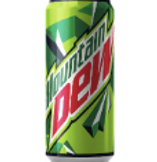


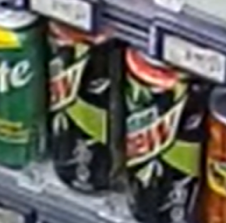
Example 2

With each update of the product packaging, the new product photo should
be uploaded. Pay attention to the up-to-date graphics, as producers might introduce noticeable graphic changes for the same product every now and then.