Store selection
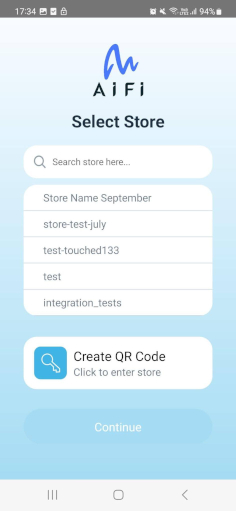
Select a store
Once you log in to the app, you will see the list of stores. Select the store and select Continue to open the store dashboards, manage products and planograms, and complete operational tasks.
How to enter the store?
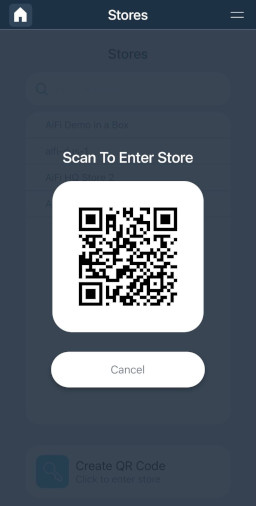
From this screen, you can also generate an Employee QR code to enter the store. Select the Create QR Code button, and scan the generated QR code on the QR scanner at the entrance of the store to open its door.
info
This option is available in stores equipped with QR readers for employee entry. If you wish to support it in your store, please contact AiFi Support.