Get started
This page covers the creation, setup, and maintenance of your AiFi Console account.
Registration and login
Create your administrator account
To create your administrator account for the AiFi Console, please contact your dedicated AiFi employee or submit a support ticket to the AiFi support team. Please make sure to provide your email address.
After you receive your organization administrator access, you can invite other team members to AiFi Console. For more details, see the "Users - AiFi Console" section.
Set up your account
After you create your account, you will receive an invitation email asking you to set up your password. Select the link and follow the instructions provided to complete the registration process.
Log in
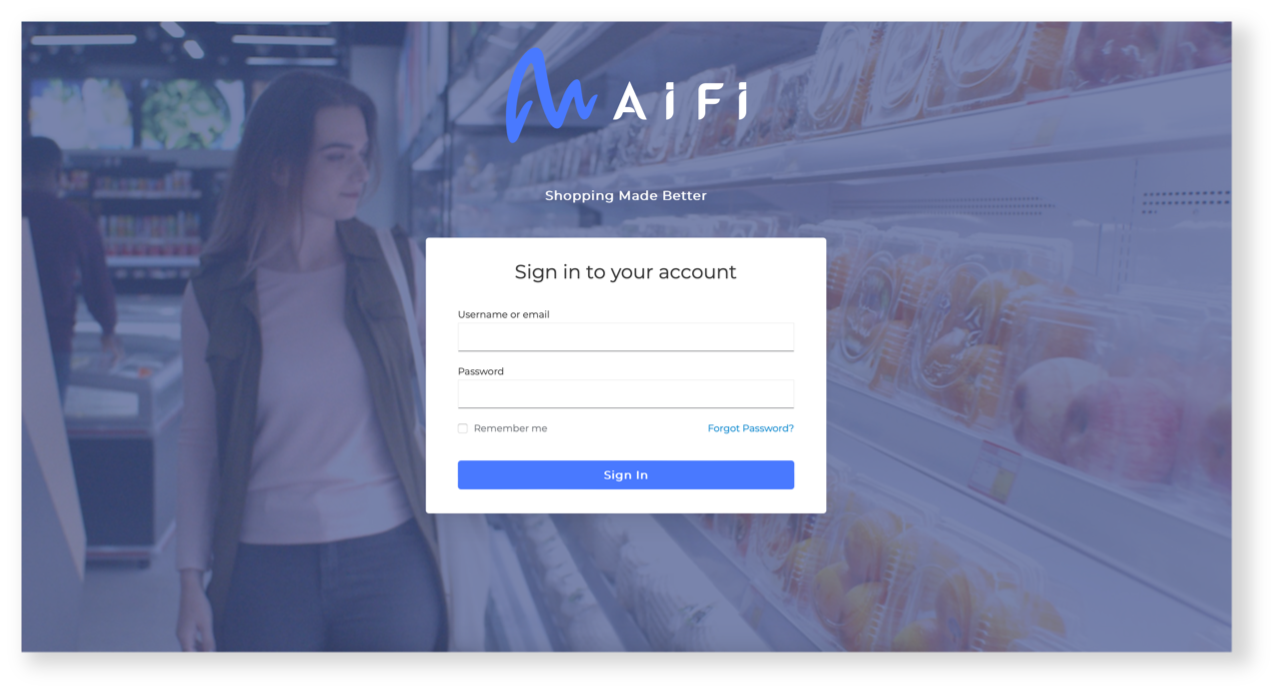
Visit console.aifi.com to log in to the platform. Use the email address and password provided during the registration process. You can select the Remember me option to stay logged in after you close the application window.
Reset your password
If you forget your password to the AiFi Console, select the Forgot Password? option on the login screen and follow the instructions to receive a link to reset your password.