Overview
Navigation
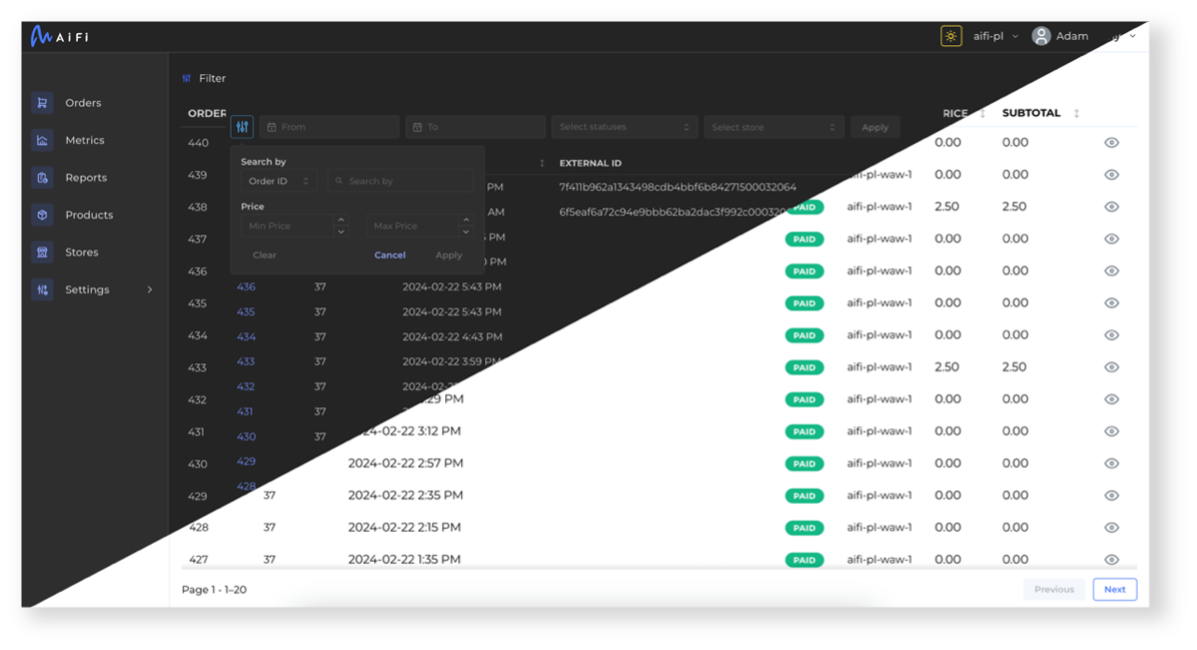
AiFi Console consists of a few features that allow you to operate your AiFi-powered stores. You can select between the pages on the left-hand menu section:
- Orders: Search and review orders from your stores.
- Metrics: Monitor revenue, product, and foot traffic data across your stores.
- Reports: Generate historical order, products, and tax reports from your stores.
- Products: Add and edit the database of products.
- Stores: Manage your AiFi-powered stores.
- Settings: Manage users and general configurations.
| Image | Feature | Description |
|---|---|---|
 | Color Scheme & Dark Mode | You can switch between light and dark mode of the application using the button in the top-right corner of the screen. |
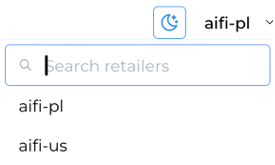 | Retailer Selection | If you have access to more than one retailer (clusters), use this option to switch between them. |
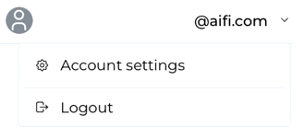 | Account Settings | Click on your account name to log out or open settings to change your name, password, or set up multi-factor authentication. |